
Samsung Galaxy S25/S25+/S25 Ultra FRP Removal Service Guide
If you’re stuck on the Google account verification screen lock, our Samsung Galaxy S25, S25 Plus, S25 Edge, S25 FE, and S25 Ultra FRP Removal Service is the fastest and most reliable solution to unlock and bypass activation lock. This guide provides step-by-step instructions for hard resetting your device and unlocking the FRP lock, whether using a PC-based method or an IMEI-based solution without a computer.
The Samsung Galaxy S25 Series is the latest flagship lineup from Samsung, offering cutting-edge technology and premium design. However, many users may find themselves locked out of their devices due to Factory Reset Protection (FRP), which prevents unauthorized access after a factory reset.
This FRP Removal supports all models of Samsung Galaxy S25, S25+, and S25 Ultra SM-S931BE, SM-S931E, SC-51F, SCG31, SM-S931Z, SM-S931W, SM-S9310, SM-S931N, SM-S931U1, SM-S931B2, SM-S931B, SM-S931U, SM-S936BE, SM-S936E, SM-S9360, SM-S936U, SM-S936W, SM-S936N, SM-S936B2, SM-S936U1, SM-S936B, SM-S938BE, SM-S938E, SM-S938N, SM-S938U, SM-S9380V, SC-52F, SCG32, SM-S938Z, SM-S9380, SM-S938W, SM-S938U1, SM-S938B, SM-S938B2, FRP Unlock to bypass Google Account Verification Lock.
Moreover newly supported models are also added. Newly Samsung Galaxy S25 Edge and S25 FE are also supported for FRP Google account removal using this guide for Model numbers SM-S731U, SM-S731U1, SM-S731B, SM-S731N, SM-S7310, SM-S731E, SM-S731W, SM-S937U, SM-S937U1, SM-S937B, SM-S937N, SM-S9370, S937E, and S937W.
What is FRP Activation Lock on Samsung Galaxy S25 Series?
Factory Reset Protection (FRP) is a security feature that protects your device from unauthorized access after a factory reset. If you reset your phone without removing the Google account, you’ll be asked to enter the previously synced credentials to proceed.
If you’ve forgotten your Google account details, you must bypass FRP using professional unlocking services like ours.
Methods to Unlock Samsung Galaxy S25, S25 Plus or S25 Ultra Series FRP Lock
We offer two main solutions:
Samsung Galaxy S25 Series FRP Bypass Using Remote Unlock Tool Service (Recommended Simple And Fast)
Requires a Windows PC.
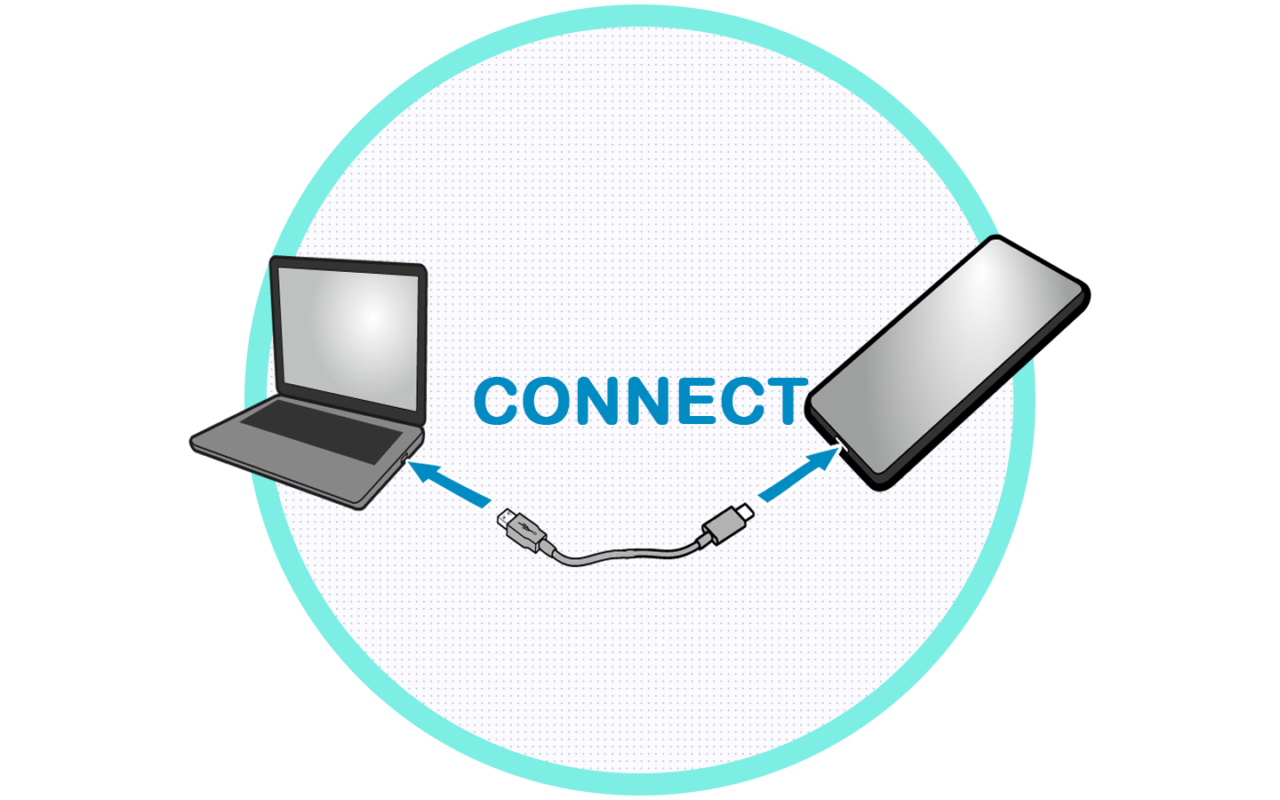
Connect your phone via a USB cable.
Unlocking is done remotely by our technicians.
Samsung Galaxy S25 Series FRP Removal By IMEI Without PC (Use above windows method if this service is offline)
No need for a Windows computer.
Uses the device’s IMEI number for unlocking.
Instant and hassle-free process.
Hard Reset Samsung Galaxy S25, S25+, S25 Edge ,S25 FE, & S25 Ultra 5G
Power off your device. If your device is password locked asking for password on Power off then Press and hold both Volume + Side/Power button until the phone turns off.
Press and hold the Volume Up + Side/Power buttons simultaneously. When the Samsung logo appears, release the Side/Power Button but keep holding Volume Up Button. Wait till the phone shows recovery mode.
Use the volume buttons to navigate and select Wipe data/factory reset. Confirm with the Side/Power button.
Select Reboot system now to complete the process.
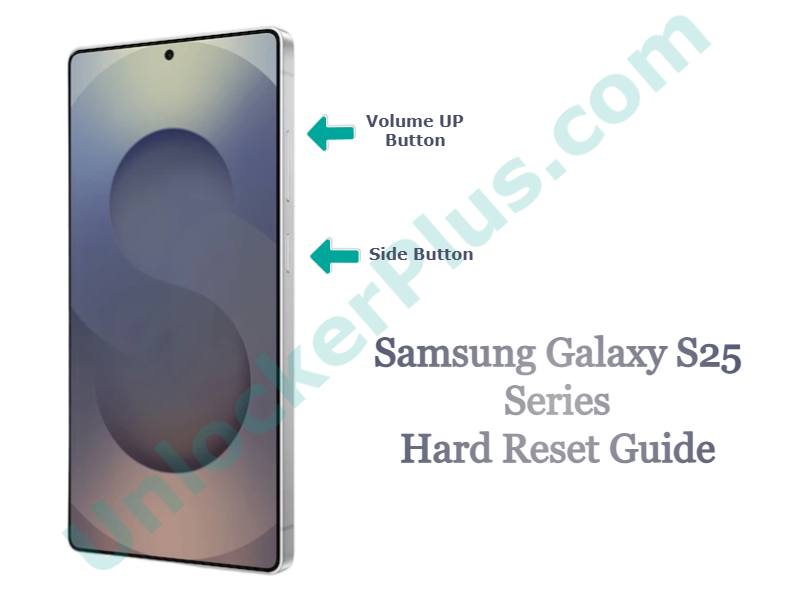
After the reset, your device will ask for Google account verification. If you don’t remember your credentials, proceed with Samsung FRP Google Activation Unlock Service.
Recommended Easy Method
Samsung Galaxy S25 Series FRP Activation Unlock Using PC Remote Service
This is premium service which can be used for Samsung Galaxy S25 S25+ Edge FE S25 Ultra FRP Activation Unlock Tool by USB. This service helps to unlock the Google account lock when all other services aren’t working. Since this is a remote unlocking service so it requires following things.
Requirements:
Windows PC (Mac and Linux not supported)
A Type C USB cable.
Stable internet connection.
Simple and Easy Steps to Follow
Select USB Method
- Select the Samsung Galaxy S25 Series FRP By USB option.
- If you don’t have the IMEI number, simply enter 0000000 in the IMEI field, then click Unlock Now.
Complete Your Order
- Fill out the order details and complete the payment.
- Once your order is processed. Contact us via live chat or wait for an email with detailed instructions.
Follow the Instructions & Unlock in Minutes
- Use the instructions we have provided you to perform Samsung Galaxy S25, S25 Plus , S25 Edge, S25 FE, and S25 Ultra FRP Google Bypass Unlock Tool on your Windows PC.
Unlock in Minutes
Follow the simple steps to unlock your Samsung device. Within a few minutes, you’ll have full access to your phone.
The above USB based service is most reliable and fast as possible. You will get your device FRP Unlocked without doing much from your side. The instructions are really simple and the customer support team will be with you till you Gain Full Access to your Samsung Galaxy S25 FRP Locked Phone.
This Service Currently Offline Use Above USB Based
Samsung Galaxy S25 Series FRP Removal By IMEI Without PC
Safest and easiest method for Samsung Galaxy S25, S25+, S25 Edge, S25 FE or S25 Ultra FRP Google Account unlocking. By using UnlockerPlus Samsung FRP Google Bypass By IMEI Service you will get your device Google account verification lock removed within few minutes without any technical expertise and hassle-free.
The process is just simple like activating your device. Please follow the steps below to order this service.
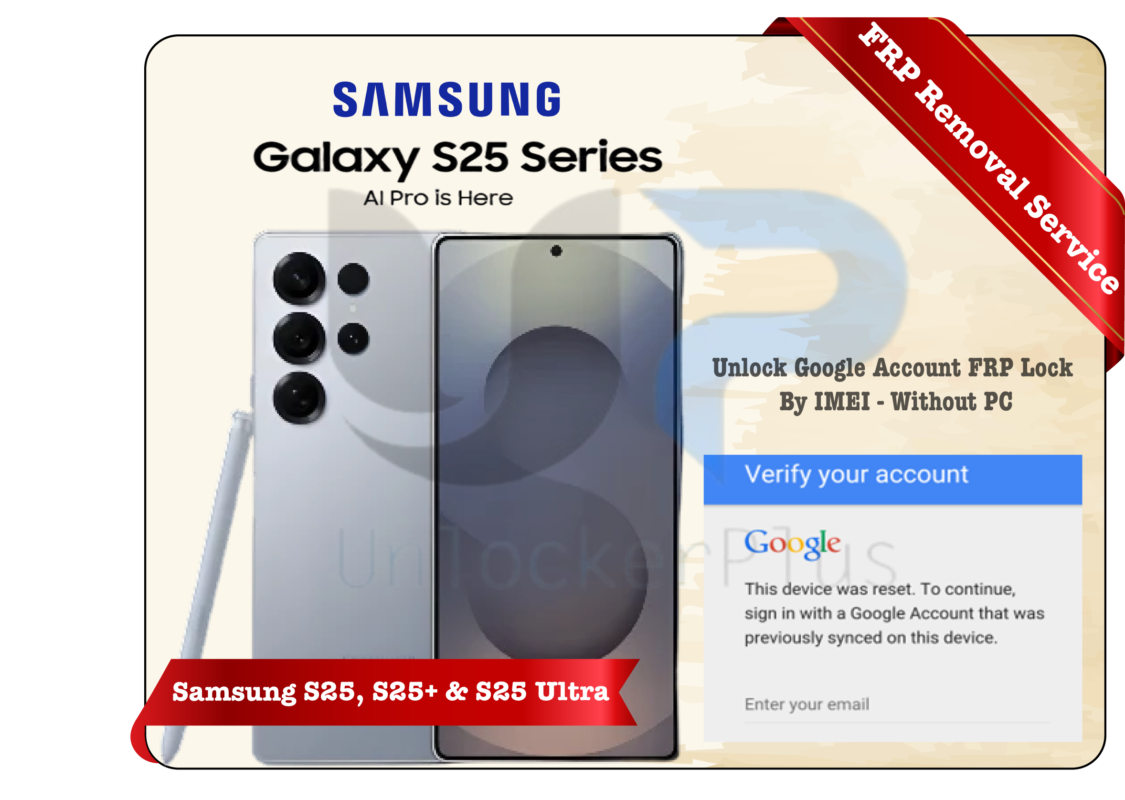
Step by Step Instructions
How to get Samsung S25 FRP Locked Device IMEI Number
- Tap the Emergency Call option which you can find at the starting of activation.
- In the emergency dialer, dial *#06#. Your Samsung Galaxy S25 will display its unique IMEI number, which you should carefully note down.
Input Order Details
- Select Samsung Galaxy S25 Series By IMEI On this FRP Unlock By IMEI Service.
- Enter your Samsung Galaxy S25 S25+ Edge FE or S25 ultra IMEI number accurately, then click Unlock Now.
Complete Your Order
- After that please input the required details.
- Now complete the payment and wait till the verification email received.
Unlock Within 10 Minutes
- Once your verification is confirmed, our team will process the unlock within 10 minutes. (The service timeframe is 1-24 hours, but when the server and team is online it can be done instantly)
- You’ll receive the simple instructions to activate your FRP Lock Samsung Galaxy S25, S25 Plus, S25 Edge, S25 FE, or S25 Ultra after unlock by this service.
After following above steps you will get your device FRP unlocked. This method is best suits for the users who don’t have windows computer and doesn’t have any technical knowledge. This Samsung Galaxy S25 S25+ and Ultra FRP Removal Service will unlock your device within few minutes on working hours. If for some reason the server or team was offline then it may take 1-12 hours. Please use live chat or any other contact info for instant assistance.
Why Choose UnlockerPlus Services
Supported Samsung Galaxy S25 Series Models for FRP Unlock
Samsung Galaxy S25 FRP Unlock Tool
Model Numbers: SM-S931BE, SM-S931E, SC-51F, SCG31, SM-S931Z, SM-S931W, SM-S9310, SM-S931N, SM-S931U1, SM-S931B2, SM-S931B, SM-S931U
Samsung Galaxy S25 Plus FRP Activation Lock Bypass
Model Numbers: SM-S936BE, SM-S9360, SM-S936U, SM-S936E, SM-S936W, SM-S936N, SM-S936B2, SM-S936U1, SM-S936B
Samsung Galaxy S25 Ultra FRP Removal Service By IMEI & USB
Model Numbers: SM-S938BE, SM-S938N, SM-S938U, SM-S9380, SC-52F, SCG32, SM-S938Z, SM-S9380, SM-S938W, SM-S938U1, SM-S938B, SM-S938B2, SM-S938E,
New S25 Series Models Updated:
Google Account FRP Lock Bypass for Samsung Galaxy S25 FE
Model Numbers: SM-S731U, SM-S731U1, SM-S731B, SM-S731N, SM-S7310, SM-S731E, SM-S731W
Samsung Galaxy S25 Edge FRP Account Restriction Removal
Model Numbers: SM-S937U, SM-S937U1, SM-S937B, SM-S937N, SM-S9370, S937E
Click here for Samsung Galaxy S24 FRP Bypass Service Guide.