
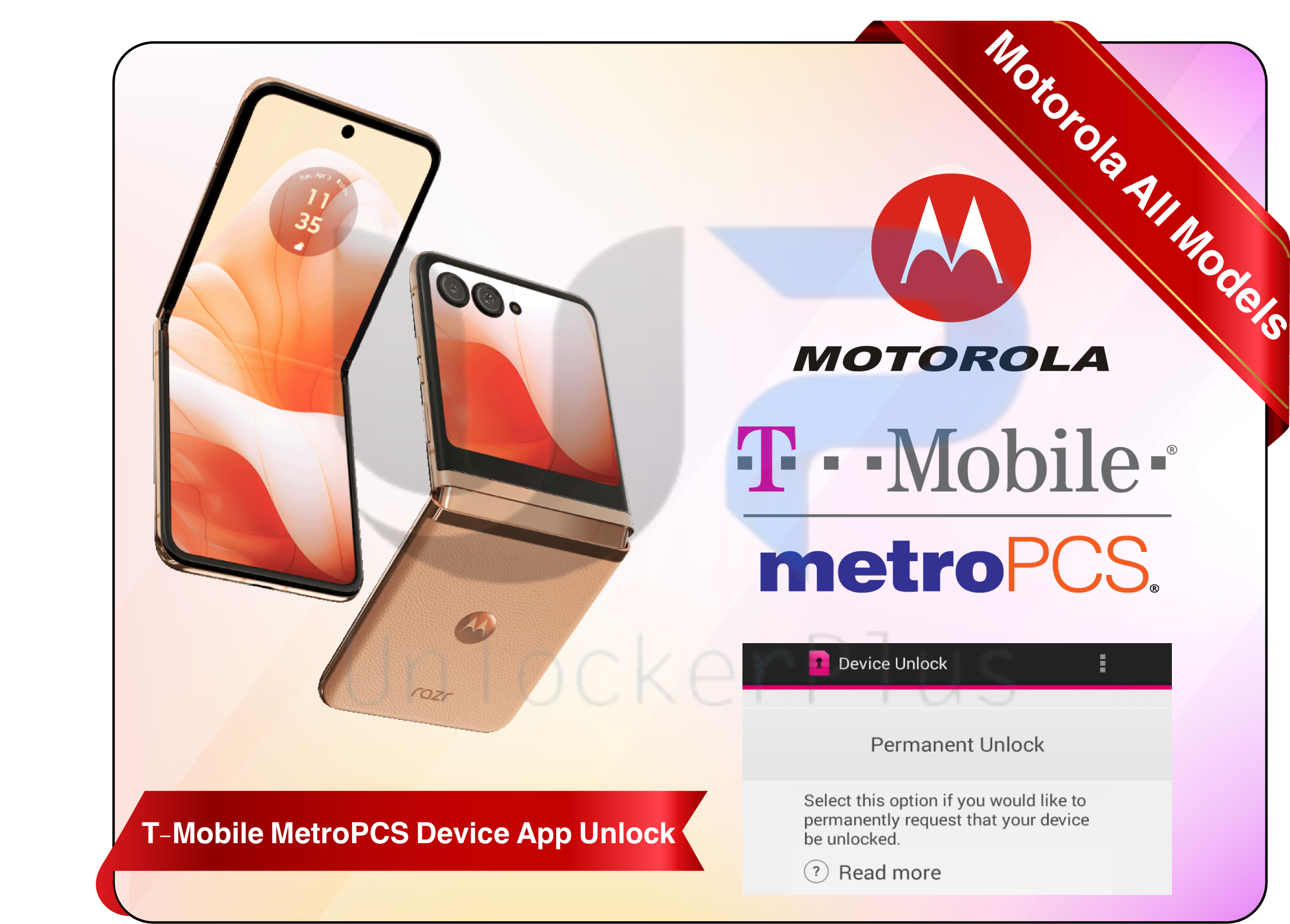


Motorola Phones T-Mobile MetroPCS Carrier Device App Remote Unlocking
This is a remote network unlock service for Motorola Moto phones device app locked on T-Mobile or MetroPCS carrier. You will get this unlocking service completely online using your own windows computer without any technical expertise. Our support team will SIM unlock your Motorola Tmobile and MetroPCS phones within a few minutes with complete assistance with money-back guarantee. Please read the supported list and method below.
Supported Models & Carrier for Motorola T-mobile MetroPCS Network Unlock Service
Supported Network/Carrier:
- T-Mobile USA Motorola Moto Phones Unlock
- Motorola Moto Phones MetroPCS USA Unlock
- Click Here if you want to Unlock Motorola Sprint Boost Phones.
Supported Motorola Models:
T-mobile and MetroPCS Moto G 5G 2022 XT2213-3 & Motorola G 5G 2025 XT2513-1 & 2026 XT2613-1 Network Unlock Device Supported
Moto Razr 2024 XT2453-3 & Razr 2025 XT2553-3 T-mobile & MetroPCS Network Unlock Service
Mototola Moto G play 2023 XT2271-5 and Moto G Play 2026 XT2615-1 Carrier Unlock Service for T-mobile and MetroPCS Carriers Supported
T-mobile & MetroPCS Network Unlock Supported for Moto G Power 5G 2021 XT2117-4 2022 XT2165-5 2023 xt2311-3 2024 XT2415-1 2025 XT2515-1. All G power series is supported 100%
Moto G Pure 2021 XT2163-4,
Motorola Moto Edge 2025 XT2519-1 T-mobile & MetroPCS Network Lock Unlocking Supported
and many other Motorola phones are also partially supported for this device app network unlock service. But for other models first send us IMEI number of your device in live chat.
Requirements:
Since this is a Motorola Moto T-mobile MetroPCS remote unlock service. So you need a following requirements to proceed.
- A Windows OS Computer
- A Stable Internet Connection
- USB Data cable to connect your device with your computer.
- Make sure you have already backed up your device data. Because during network unlocking it requires bootloader unlocking which will factory reset the device.
After meeting above requirements, Please place your order using below simple steps.
Simple Steps To Unlock Motorola T-Mobile & MetroPCS Device App Lock Phones
Place Your Order
- Simply click Unlock Now button and input your details including your Motorola Moto T-mobile MetroPCS device app locked phone's IMEI number.
- You will find IMEI number by dialing *#06# in phone dial pad.
Receive the Instructions
- After completing the checkout and placing your order. Your order will be marked as processing. Now wait for the instructions to received on your email address or any contact information you provided.
- You can also simply contact us using our website's Live Chat option or by other means.
Follow the Instructions & Unlock in Minutes
- After you receive the instructions. Please follow those simple instructions step by step in your windows computer.
- You may have to download and install UltraViewer and UnlockerPlus USB Client Software in your computer. Our technician will assist you till completion of the process.
Unlock in Minutes
- It will only take 10 minutes unlocking your device after following all the steps to connect the phone with Motorola T-mobile MetroPCS Device App Unlock Remote Server.
- After receiving successful unlock response from our team. Simply insert any SIM card and enjoy your Factory unlocked device.
Have Bulk or Daily Orders? Need Discount Deals?
If you have bulk orders? Have daily unlocking orders for your cellphone business or technical department?
If any of the above requirements met, then feel free to contact us on our website live chat or by using below contact information. We have best deals for the daily orders client.
If you’re eligible for our reseller program so we will also add you in our reseller list on our whatsapp and telegram. So, you will not miss any up-to-date news and deals from us.
Why Choose UnlockerPlus Motorola Remote T-mobile MetroPCS Remote Unlocking?
This Motorola T-mobile MetroPCS Device App Unlock Remote Service supports all Android version including Android 11, 12, 13, 14, 15 and beyond.
Get real-time assistance until your device is carrier unlocked
- Instant Motorola T-mobile MetroPCS Device App Unlock which only takes 5 to 10 minutes approx.
No software damage: your device will stay in official firmware and continue to receive official updates.
You don't need any technical expertise when you are using UnlockerPlus Motorola T-mobile MetroPCS Unlocking Service. All you need to do is install and open a simple unlocking tool in your computer and the rest our technician will do remotely.
Order amount will refunded if the unlock is unsuccessful.
Reviews
There are no reviews yet.